Part 1: Wireframes
What is a wireframe?

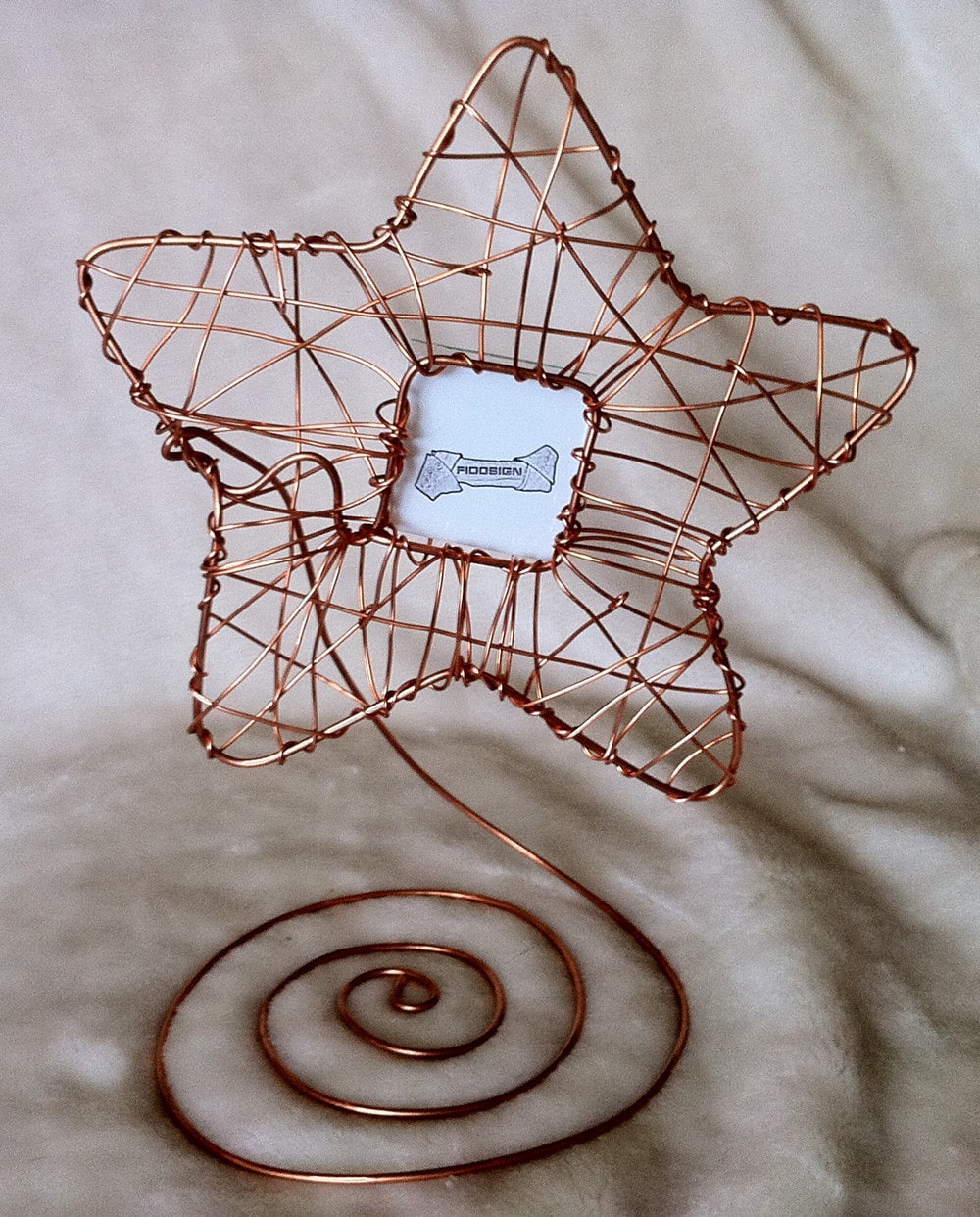
Well yes–that is indeed a wire frame. Copper, I believe. Someone made it on Etsy 🙂 But those aren’t the kinds of wireframes we will be discussing here. In website design, wireframes are a way of visualizing a site before actually building one.
Wireframes:
- Make visualizing the structure of a site easier because content is barely there or removed completely–leaving a skeleton of the page…a wireframe.
- Reflect what the creator has in mind regarding the placement of elements on a page, site navigation, the labeling of elements, site content and how users will interact with the website. Source: http://www.hotgloo.com/wireframe
How to wireframe?
- Everyone has their own methods:
Hand Drawn wireframes,  or wireframes made on online wireframing tools such as Hotgloo, Cacoo, or Balsamiq. Adobe Photoshop and Illustrator are also good options.
- In terms of actually designing a wireframe, good questions to ask are–who, what, why, how.
Who is the audience of the site? How does the layout navigation and layout become more accessible for that demographic? What is the purpose of the site? Does the site successfully lead the user to the purpose? How does UX lead the user to the site’s purpose? Why is an element located on a spot on a page? Why does this page link to that page? Should that page be linking to what it is linking to? Why did I, as a designer, choose this layout? How do all of these elements come together to make a cohesive, well organized, and well-designed site?
- Elements to think about including in a wireframe are:header, footer, sidebar, content, search bars, navigation, images, tabs, interactive elements–provided your site requires these elements in order to fulfill it’s purpose, whatever it may be.
Source: hotgloo.com
My own wireframe examples:
For this assignment, we were instructed to learn about wireframes and then make 2 of our own. I made a couple to try my hand…
 This wireframe is for the current website of Anthropologie. It’s one of their category pages ( i.e. clothing, accessories, furniture, and home decoration.). I’d say the site is well organized. I, as a shopper, can find everything I need easily, and I can sort by size, price, new arrivals, etc. Stripping the design to it’s structure makes the organization of content more visible than it was already. It’s clear that the site makers thought about the design and UX of the site in great detail.
 The New York Times is a site I discussed in Assignment 1. This wireframe clearly demonstrates the cluttered visual–and this is their homepage! If it didn’t look crowded now, imagine it with text all over the place, along with images and ads scattered throughout.
 In contrast to the NY Times, Hypebeast has a better visual aesthetic:it’s clean, well organized, and clearly follows a grid without being boring. This wireframe indicates that there is just enough balance in the figure/ground relationship–and the grid is removed from the realm of “boring” because the blocks of content are different sizes.
Part 2: Basics of the Internet
Webpages, and other documents or files are hosted in a variety of ways. They can either be stored in a single computer, or a group of servers, or even a remote web server. Connecting these individual computers and the data contained on them is what makes up a network. The internet is basically a network of all these networks, on a global level.When computers connect, or communicate information–they are recognized because of protocols. The TCP/IP, or Internet Protocol Suite is the communication standard. Each computer has an IP address, or an Internet Protocol address, and this is designated by the ISP ( internet service provider). IP addresses are 12 digit numbers, and they can be dynamic ( changes at specified times) or static ( never change). Being dynamic or static is a choice determined by the ISP chosen, and it is important if privacy of information is a top priority for a user.
So back to connecting to websites, a user connects under that IP address. Websites are found by typing domain names ( i.e. facebook.com) into web browsers ( i.e. Firefox, Google Chrome, Safari). In 1983, the DNS, or Domain Name System was created. The DNS automatically communicates to the computer the IP address of a typed in domain name. This makes internet browsing easier–because people did not have to input lengthy IP addresses when trying to locate a file, or site on the internet. Nowadays, to find a website, one simply types a URL into a web browser. A URL, or uniform resource locator, is the global address of documents and resources on the world wide web. URLs are made of 2 parts:

The 1st part is the protocol identifier, which allows the computer to understand how the file should be understood/recieved ( the formatting).The 2nd part is the resource name, which is the same as the domain name ( as input into the browser by a person searching the web.)
When outputting data into the web, routers are used. Routers are basically pathways between computers and their networks which ensure delivery to the correct destinations. Additionally, the Apache router is an http server, and is one of the main reasons why the internet has grown to the capacity that is has today.
Source: http://computer.howstuffworks.com/internet/basics/internet-infrastructure.htm
This is a very basic explanation of how connections are made to the internet, and I am still in the process of fully understanding the complexities of it all.
Part 3: Design Methodology
- To Use Paper, or not to use paper in the design process?
I obviously have a knack for getting on paper what a lot of people have thought and didn’t realize they thought. And they say, ‘Hey, yeah!’ And they like that.
–Andy Rooney
After reading up on the advantages and disadvantages of designs on paper versus designs made on the computer–I’ve reached the consensus that paper was a good thing. While obviously making designs on the computer often render mock-ups that could look like the real thing, the main downside of utilizing only this method during the design process is that it is limiting!
In creating designs the analog way, on paper,there are the benefits of:
-A human element to overwhelmingly digital design.
-Novelty…it is refreshing to see something that looks as if it belongs in the real world on the web, which adds to the overall UX.Besides paper prototyping wireframes, paper can actually even be implemented into the designs of finished websites.But back to the idea I brought up earlier that designing solely in a digital format is limiting. Why would I say that?Think of a sheet of paper. A plain sheet of looseleaf…or a simple, plain white sheet of paper…even better! The blankness and freedom –not only of the sheet, but in the process by which information and all other inspiration coming from your brain would be fed onto the sheet— is perfect for design innovation. Writing, or using hands to convey what is going on in our brains is almost second nature. With that said, it’s a very organic process–and the flow and speed at which ideas can be translated onto a blank sheet of paper is quite amazing.Compare that with using a computer software, let’s say Adobe InDesign, or Photoshop. Photoshop is wonderful, I use it all the time, and I love experimenting with it. The program contains so many tools which can be used to either manipulate elements already in existence, or elements we choose to create using the program. But that’s just where the limitation occurs–in it’s tools, and format. Photoshop already has predetermined tools, and any creation you think of must come into being via manipulating or conforming to the way those tools work. There are people who have mastered programs such as Photoshop, and for them, using it is like second nature. But even to those people, writing or sketching is even more second nature than their knowledge in manipulating the tools on Photoshop.
- GUI ( graphical user interface): Design, Look, and Feel
GUI incorporates all aspects of user interaction with a website by clicking images or icons on the page, and not by inputting code. Regarding design and UX–traditionally, whatever was designed was the final product. The formatting of a page, for example–would not change. Today, however, with multiple platforms witch which to access data from the web, this is no longer the case. Web designers must keep in mind that they must make websites that are flexible enough in style and formatting to accomodate viewing on phones, tablets, desktop computers, laptops, etc. A big part of design incorporates the look and feel of a site. In order to keep people returning to your sites, user-friendliness is key:
-Give control to the user, the site navigation should be easy to comprehend.
-Flexibility> While navigating page by page, backtracking should be made simple by including a ‘home button’ icon on each page.
-Clear organization>a hierarchy in navigation is recommended.
-Simplicity> Making a website too complicated from the start regresses to a relinquishment of control for the user, and they will be wary of returning to the site at a later time.
-Don’t make assumptions! An icon which the designer understands may not necessarily be as salient to other users. It’s best to use real world counterparts as icons ( ex. image of a Visa check card to indicate payment by that method).
-Consistency, consistency, consistency!
A big thing about being user-friendly is being consistent– In aesthetics as well as in navigation. Speaking of navigation, it seems that many websites have fallen into the habit of accidentally creating unofficial “templates” for types of websites. I say this is accidental because perhaps designers who saw one type of GUI work for, let’s say, a shoe store website, copied it–and the same goes for the formats for other types of sites: search engines, email websites, etc. In other words, even if a person were only presented a wireframe of a website–some website formats are just so typical that any internet user would be able to recognize that the site was a commercial one, or it was a news site, or a search engine. The uniformity of design as relating to the site’s function is quite interesting. One could definitely argue the many benefits of conforming to a template. One big reason is that the familiarity of the format is a big nod to the concept of ‘user-friendliness.’ Of course, one could always be a devil’s advocate and say that conformity web design ( and in all areas of life) is restrictive and boring, and that thinking outside of the box and being different is refreshing, exciting, and all other kinds of positive adjectives that you could think of 😉
Source:classicsys.com
- Site Maps
These are definitely important to plan before designing a site, and not after, because it makes navigation hierarchy more clear and organized from the very beginning.
- Testing Usability
There are many methods, from focus groups and getting verbal feedback, to actually monitoring how people interact with a website. There is also a lot of eyetracking research, which is a very interesting field of study. Researching and understanding UX can make the design process a more efficient one.
- Workflow Lists
Understanding the entire web design process and where one fits in, and where one contributes, is important. Here is an example workflow list that I have customized to my own understanding of the process:
-Evaluation of Existing Website
-Evaluation of Existing Proposals
-Financial Resources Available for Project
-Designing ( rebranding, GUI, site map, logos, illustrations)
-Relation of the projected site to other websites and applications ( e.g. phone, print)
-Wireframes
-Focus Groups
-Database Design
-Testing of UX
-Monetizing methods
-Interfaces and Schema for internal management, modification, and analytics
- My abstract version of the Hypebeast site.
Part 4: Assignment 2 Review  In review of Assignment 2: Abstraction, I would probably go more abstract in my interpretations and in my observation process of websites ( look for future changes to Assignment 2!). It was very helpful though, to understand the concept of abstraction as it relates to web design. When I created the above abstract image for the Hypebeast website, I was able to think in a very Kanindsky-esque style. I looked for the rhythm and balance between the elements on the page. I removed some of the rigidity of the grid format on which the site was constructed, and I came up with what you see here. The result reminded me of Mondrian’s art–and it revealed to me why I thought the website was aesthetically pleasing in the first place: there was such balance in form, and the elements were of varying shapes. On the actual site, there are fiercely straight lines, and images accompanied by text–but the underlying structure is still very much what I came up with in this abstraction exercise.
In terms of my manipulating the shapes in the second part of the assignment, I was not very abstract–and they ended up looking more like wireframes of sites instead of abstract images.
Another perspective of traditional design is the grid system, which is a very formulaic and structured way of dealing with design. In many ways, it is very different from abstraction.
For me, I think that it is possible to incorporate these different perspectives in the design process. Abstraction and thinking freely and more organically, even if that means starting web concepts on paper, is great because it allows for different website ideas to come forth. It refreshes the cookie cutter templates that are starting to crop up in terms of website design and site purpose, as I discussed earlier. The grid, then, could be used as a way to fine tune, or edit the rough ideas that come out of such an organic and free-form style of thinking.




 jesmingonzales